


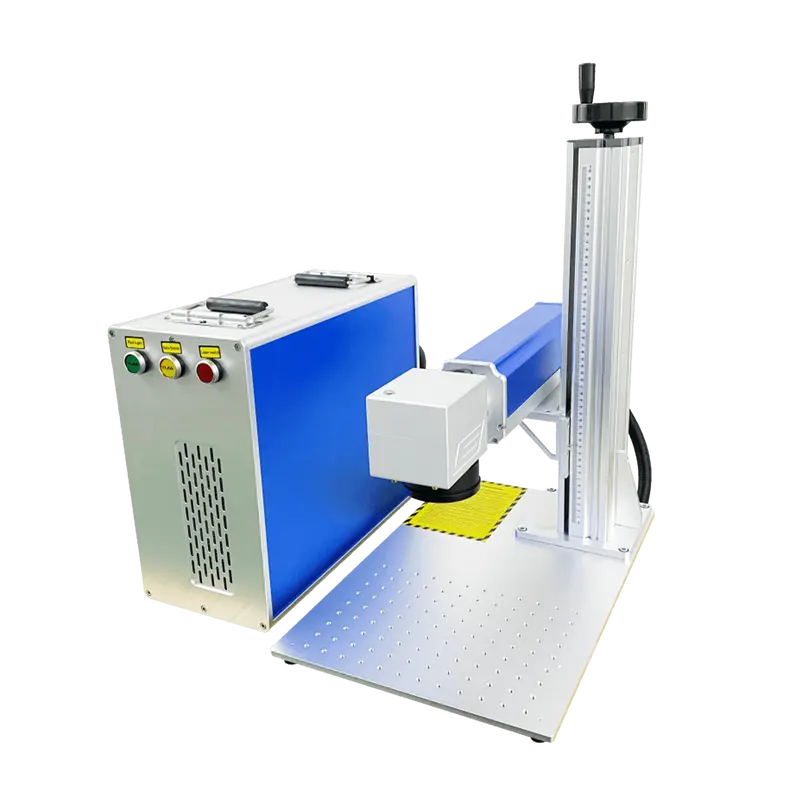
Split-type 50W Fiber Laser Marking Machine
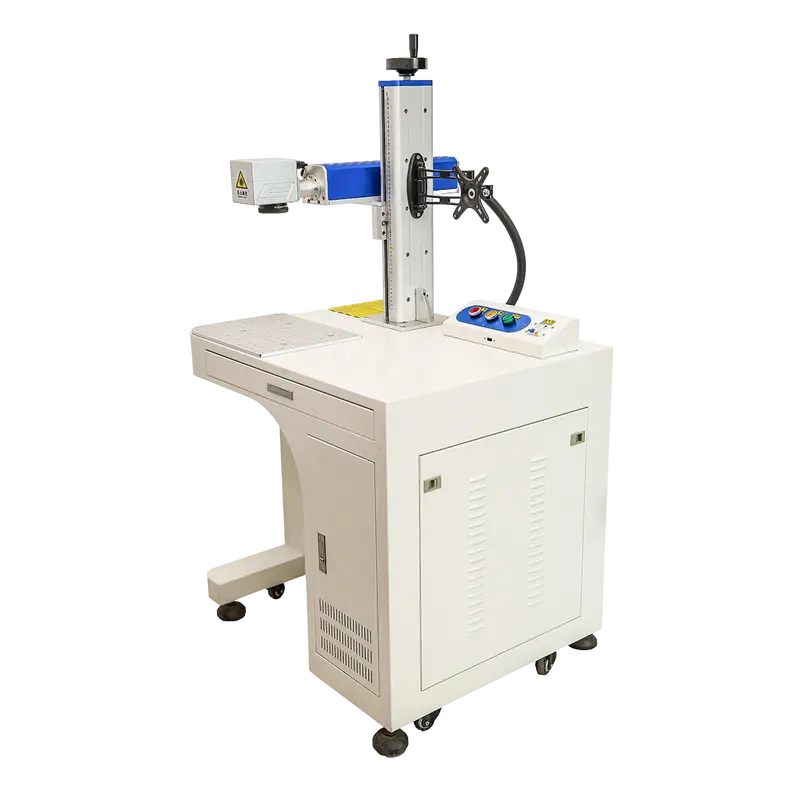
GM-S50F-MPortable fiber laser marking machine for metal nameplates, hardware parts, machined parts, and electrical component identification.
View Details→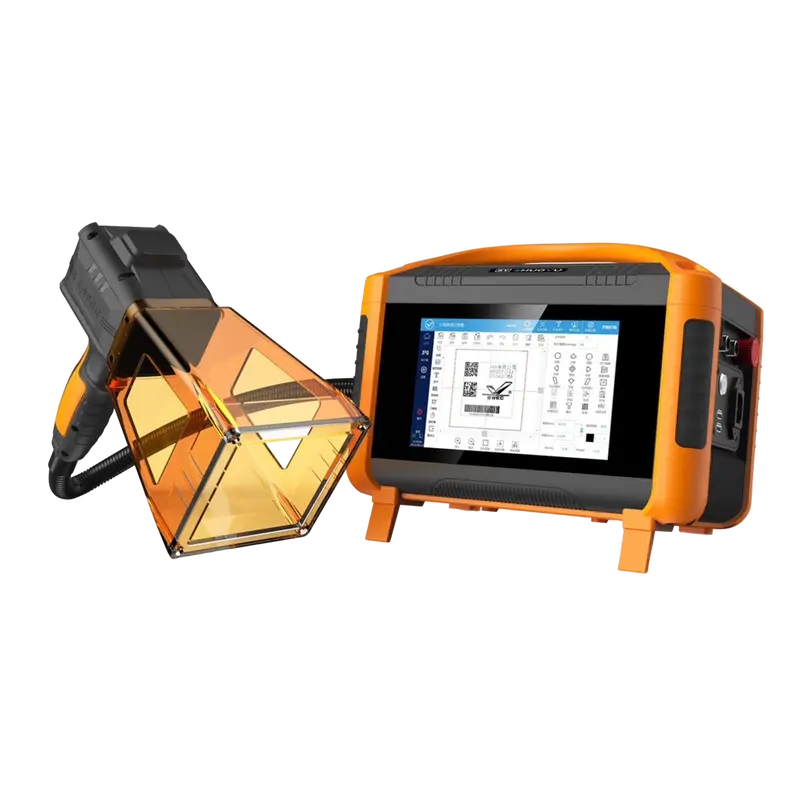
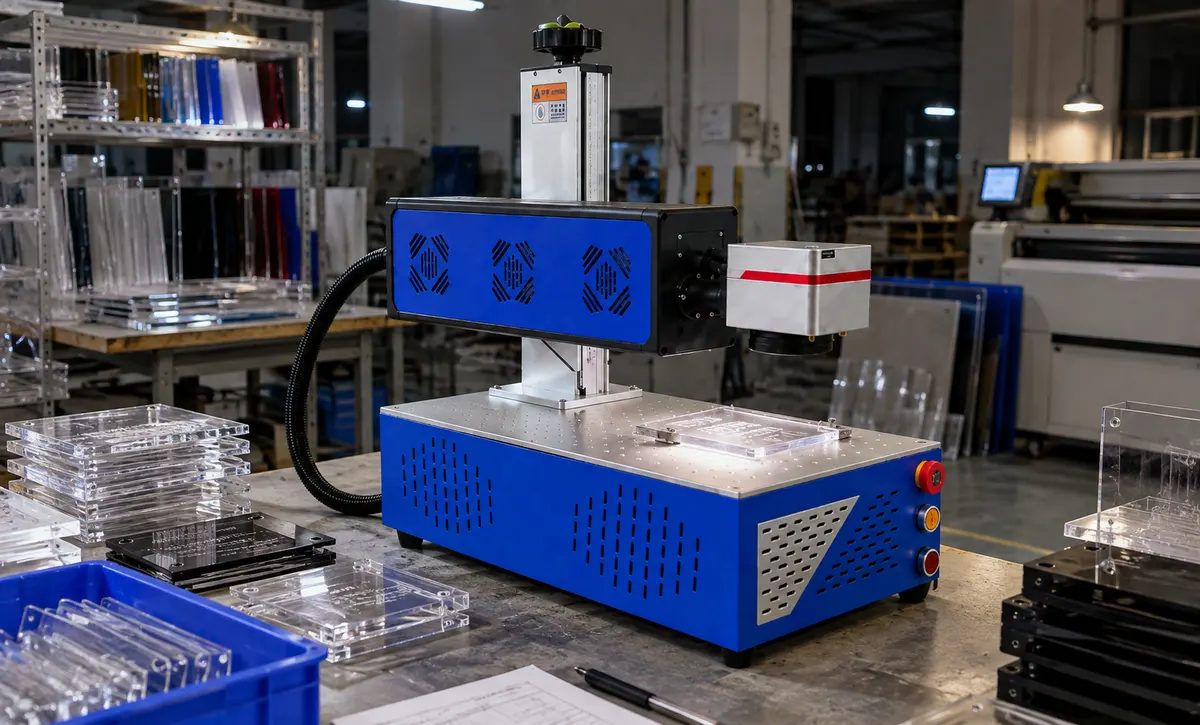 Acrylic or suitable plastic components are arranged beneath the marking head.
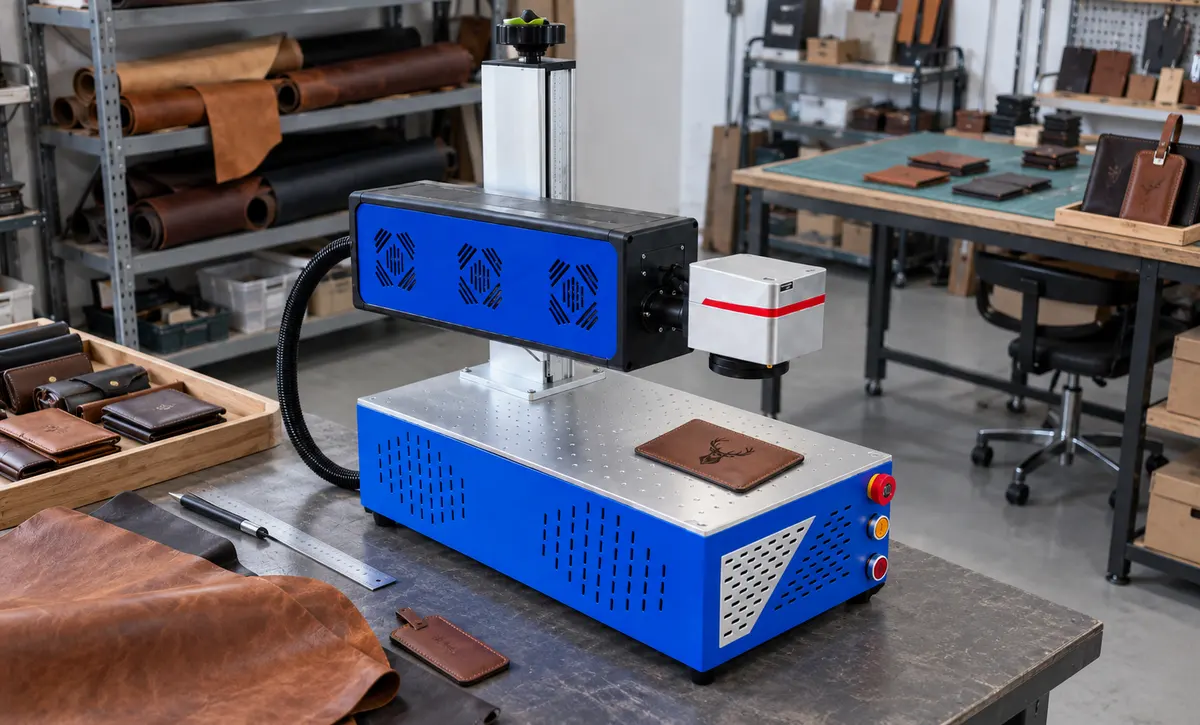 Flat leather or synthetic-leather components are positioned at the marking.
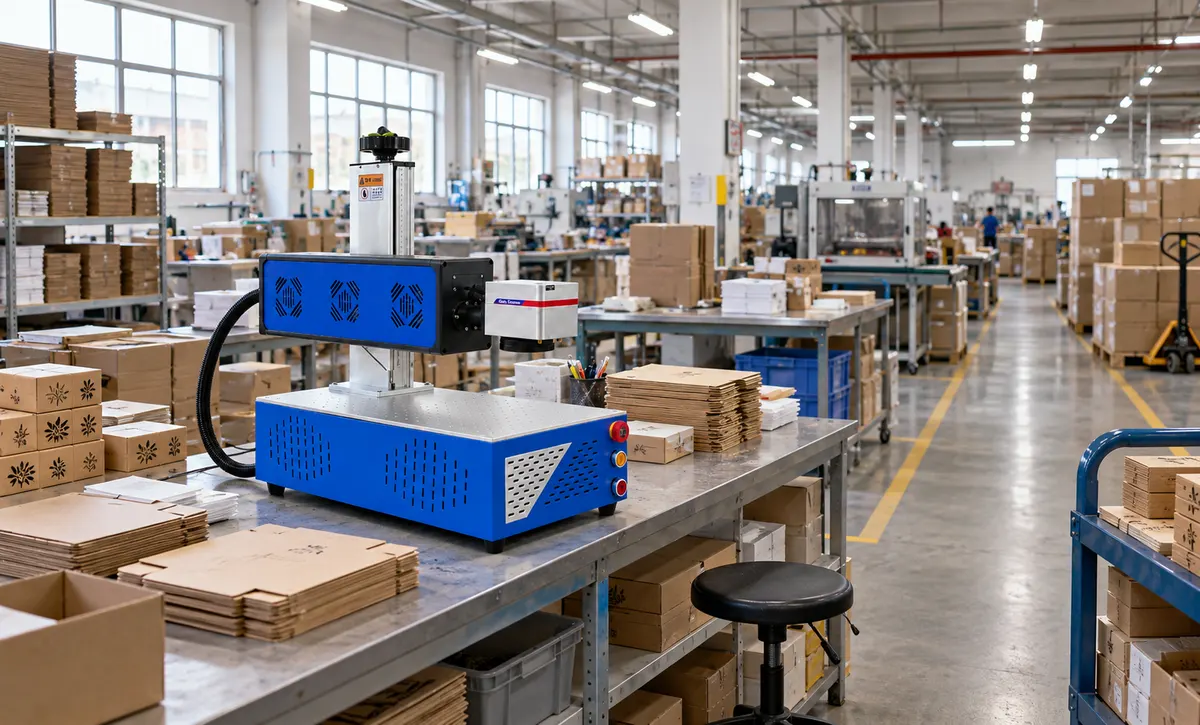 The machine operates as a desktop marking workstation within a larger packaging.
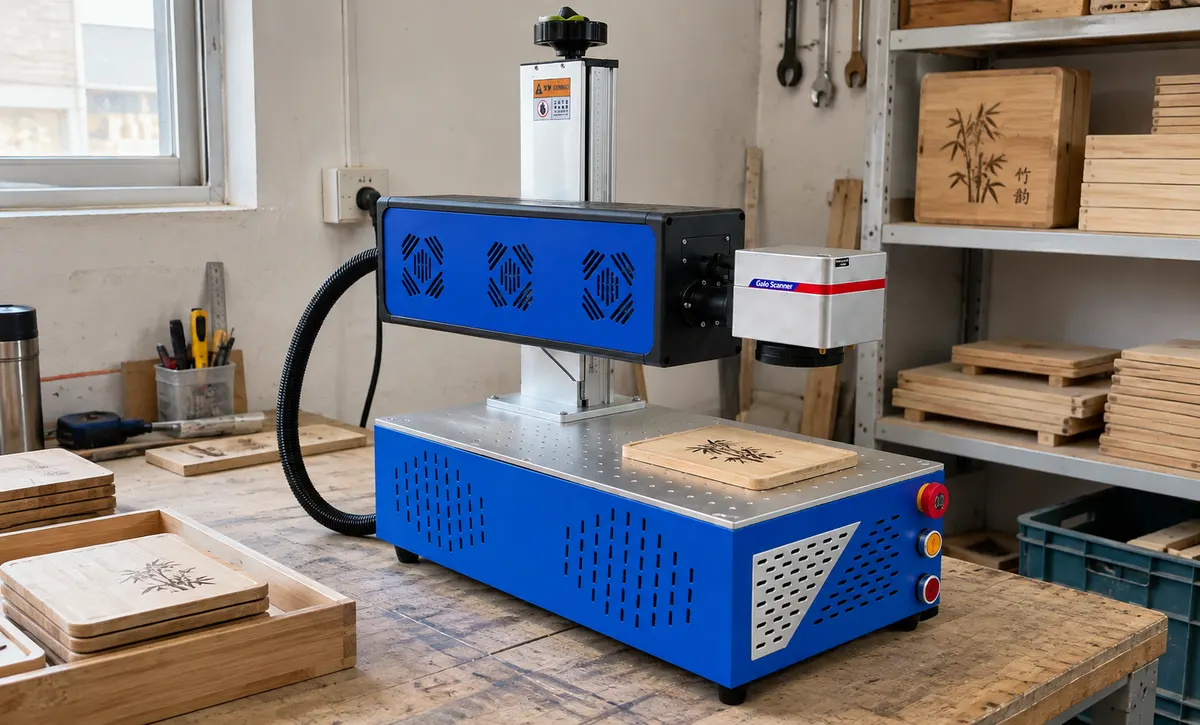 Wood or bamboo products are positioned beneath the marking head at a dedicated.Acrylic or suitable plastic components are arranged beneath the marking head.Flat leather or synthetic-leather components are positioned at the marking.
01 /Description
Practical Marking Across Production, Packaging and Customization Workstations
Desktop CO2 Laser Marking Machine. Application settings include Wood & Bamboo Product Marking; Packaging Production Workshop; Leather Goods Customization Station; Acrylic & Plastic Product Marking. Match the selected configuration to the available space, access and intended use before ordering.
Combined with rotation, the working mechanism allows multi-directional digging and material placement, minimizing frequent machine adjustments and suiting confined construction sites.
02 / Specs & Parts
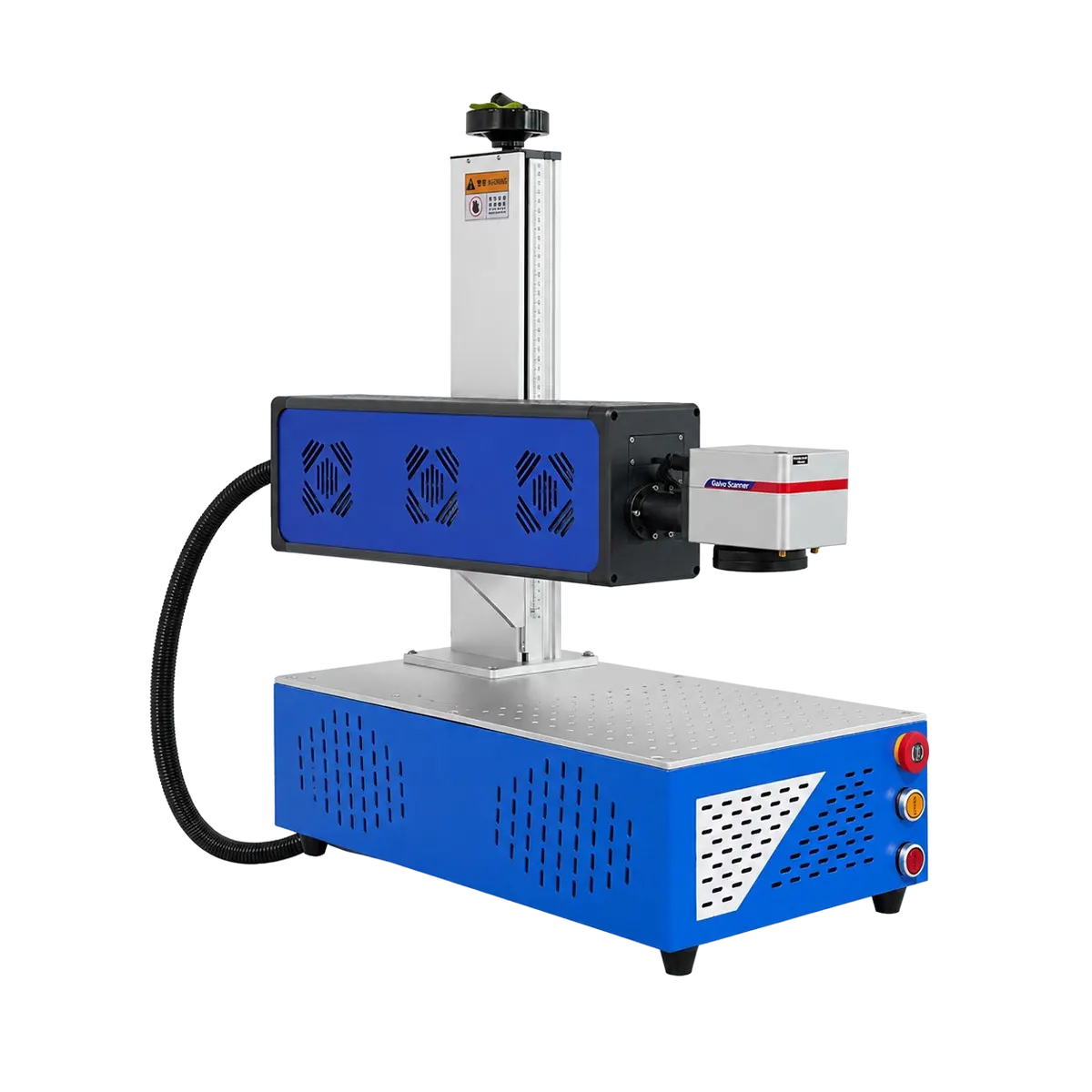

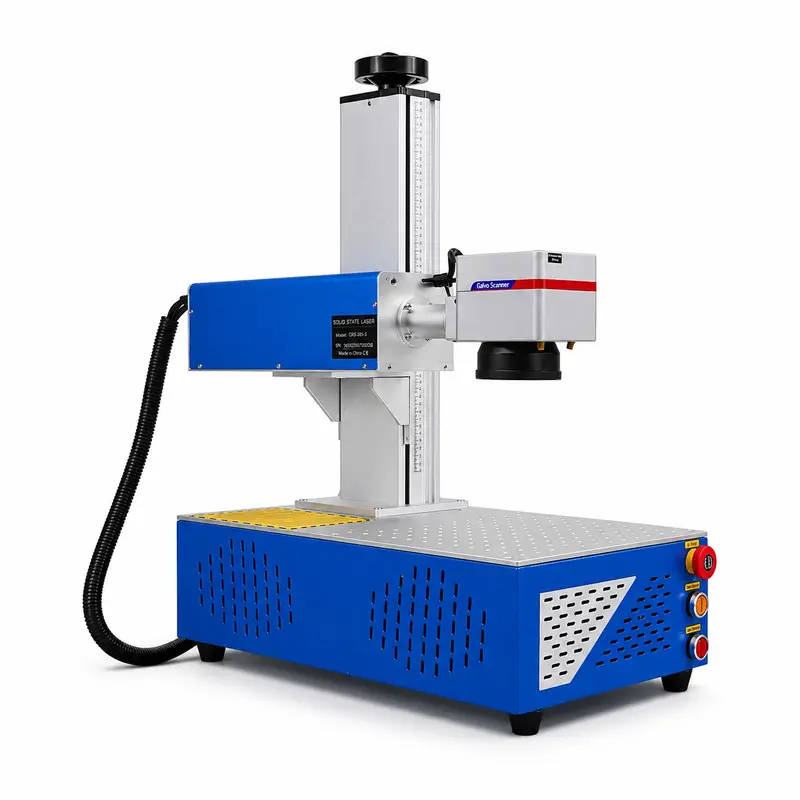
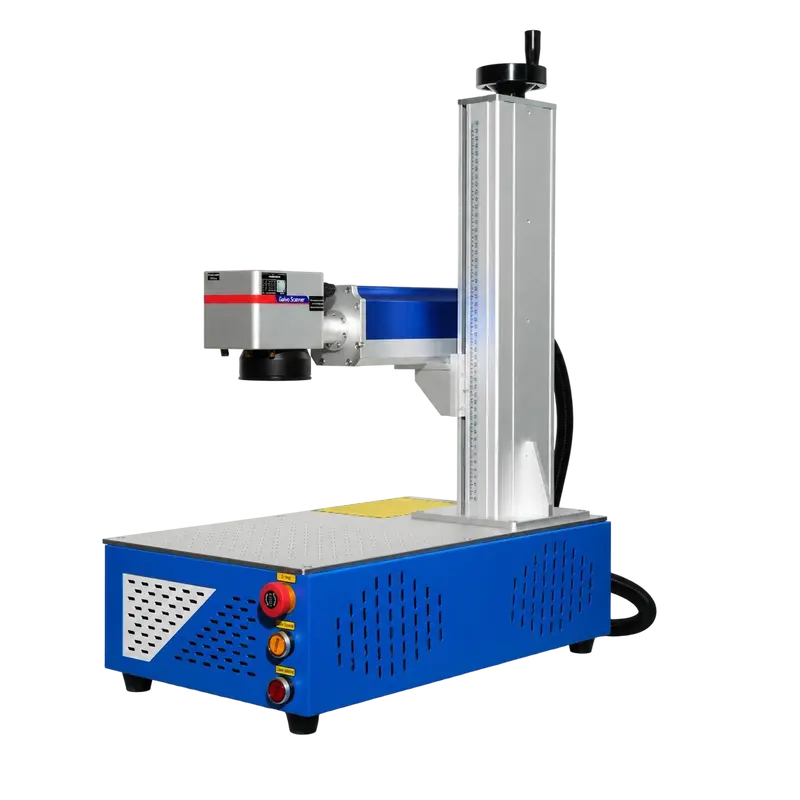
The rotary handwheel adjusts the laser head height for precise marking operations.
The aluminum column supports and guides vertical movement of the laser assembly.
The blue housing contains the CO2 laser source and related optical components.
The marking head directs the laser beam for precise engraving operations.
The protective conduit guides cables between the laser system and control cabinet.
The sturdy bracket connects the laser assembly to the vertical lifting column.
The perforated metal platform supports and positions materials during laser marking.
03 / Specs, Parts & Accessories
Video Showcase
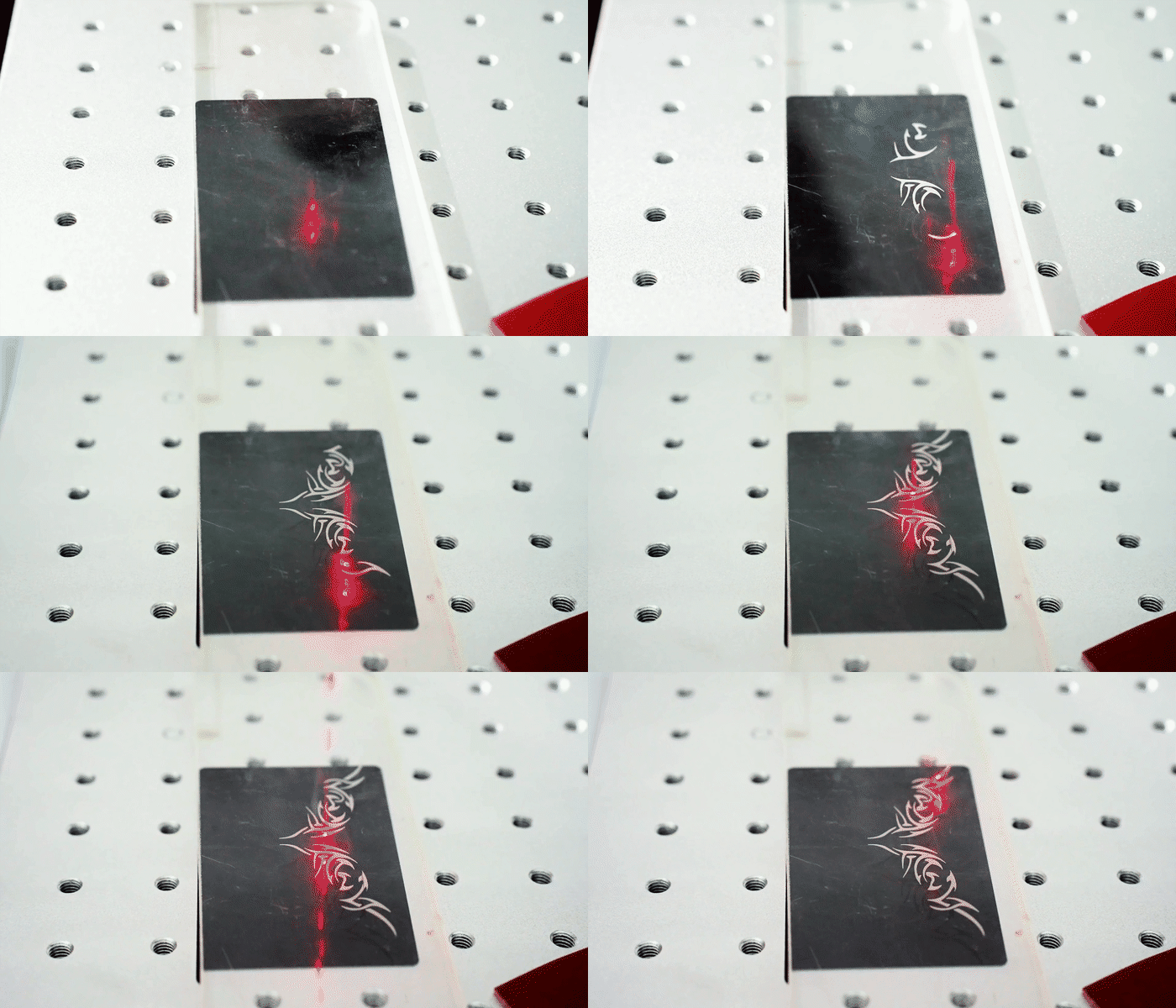
Appearance display of DC series. Compact body design with fine sheet metal workmanship and simple elegant look.
Video Showcase · 00:15Appearance display of DC series. Compact body design with fine sheet metal workmanship and simple elegant look.
Operation Videos · 00:15Operation demonstration of DC series. Convenient parameter adjustment and stable operation to meet diverse material cutting requirements.
Service Videos · 00:42Export packaging for DC series laser equipment, reinforced wooden case, shockproof & moisture-proof for ocean container transport.
Real on-site records from our factory, offering a practical view of our production capability and delivery readiness.
04/ Product Review
Product Review
We centrally purchase equipment, test the data and the machine, then publish the models that clear our review. You get a shorter path from "could work" to a quote your team can act on.
The provided applications include wood, bamboo, compatible packaging materials, leather or synthetic leather, acrylic, and suitable plastic products.
Yes. It is a desktop-style laser marking machine intended for placement on a suitable workbench or production table.
Yes. The provided product information indicates that process parameters can be adjusted according to the workpiece and desired marking result.
No. The marking process is non-contact, with a working gap maintained between the marking head and the workpiece.
Provide your workpiece type, intended marking application, expected operating workflow, and any special procurement requirements. These details help determine which available configuration should be discussed for your project.
 Simplified explanation