


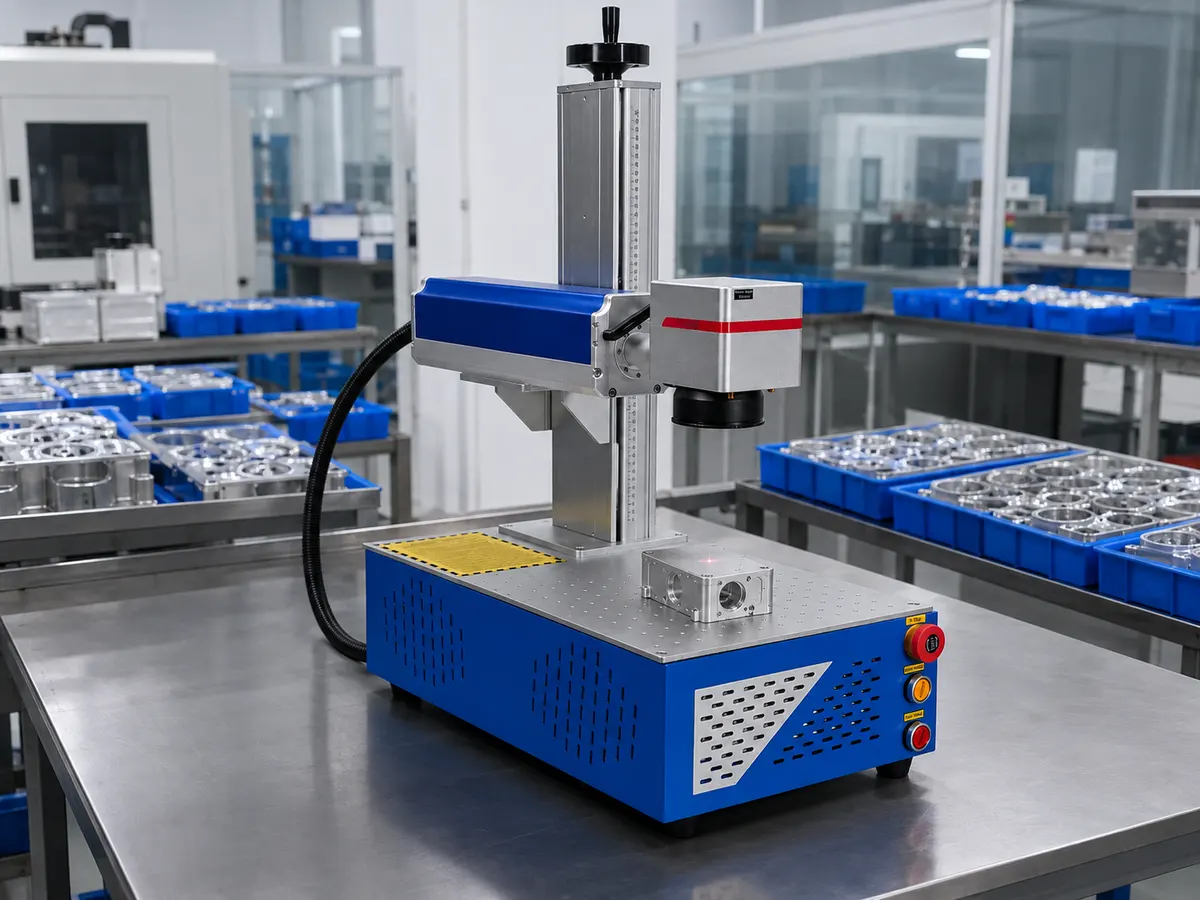
 Batch marking of precision parts
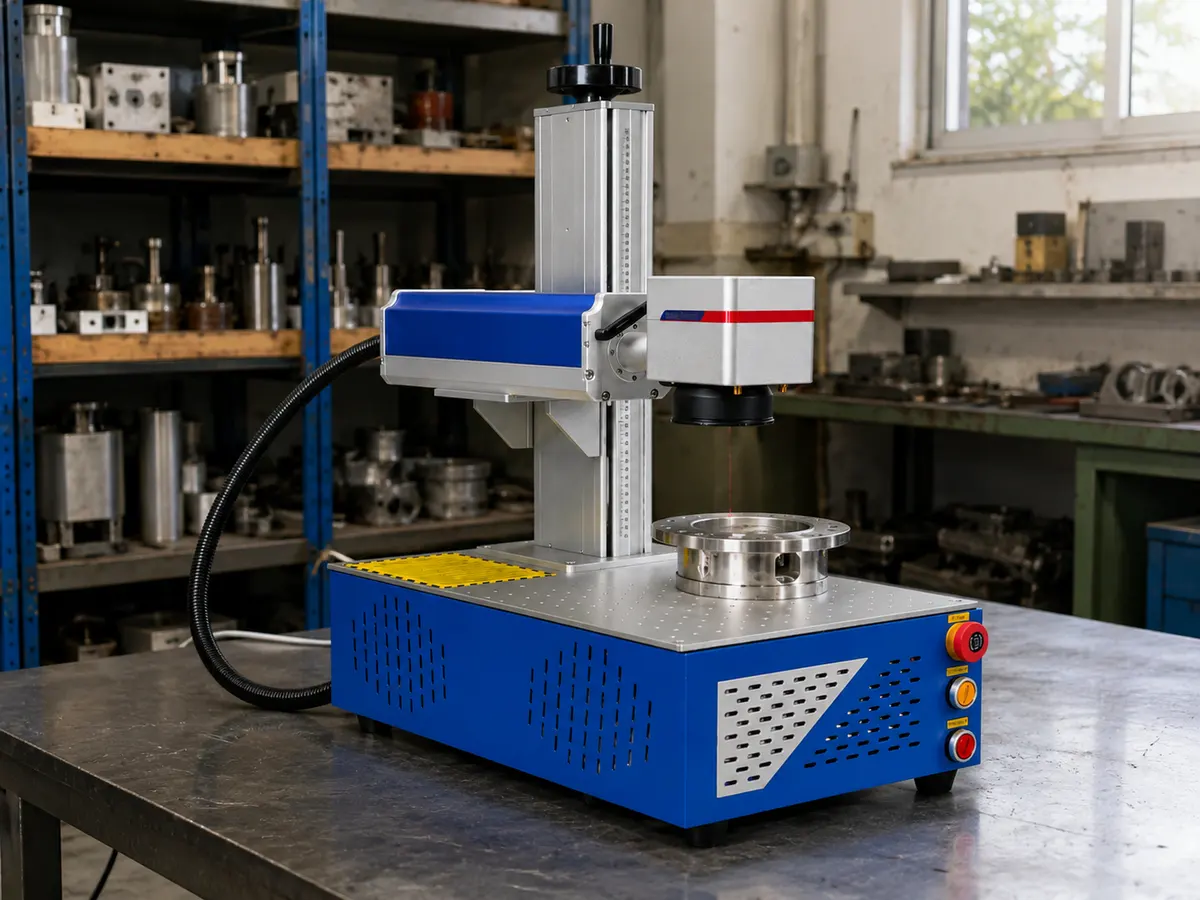 Marking of flange rings
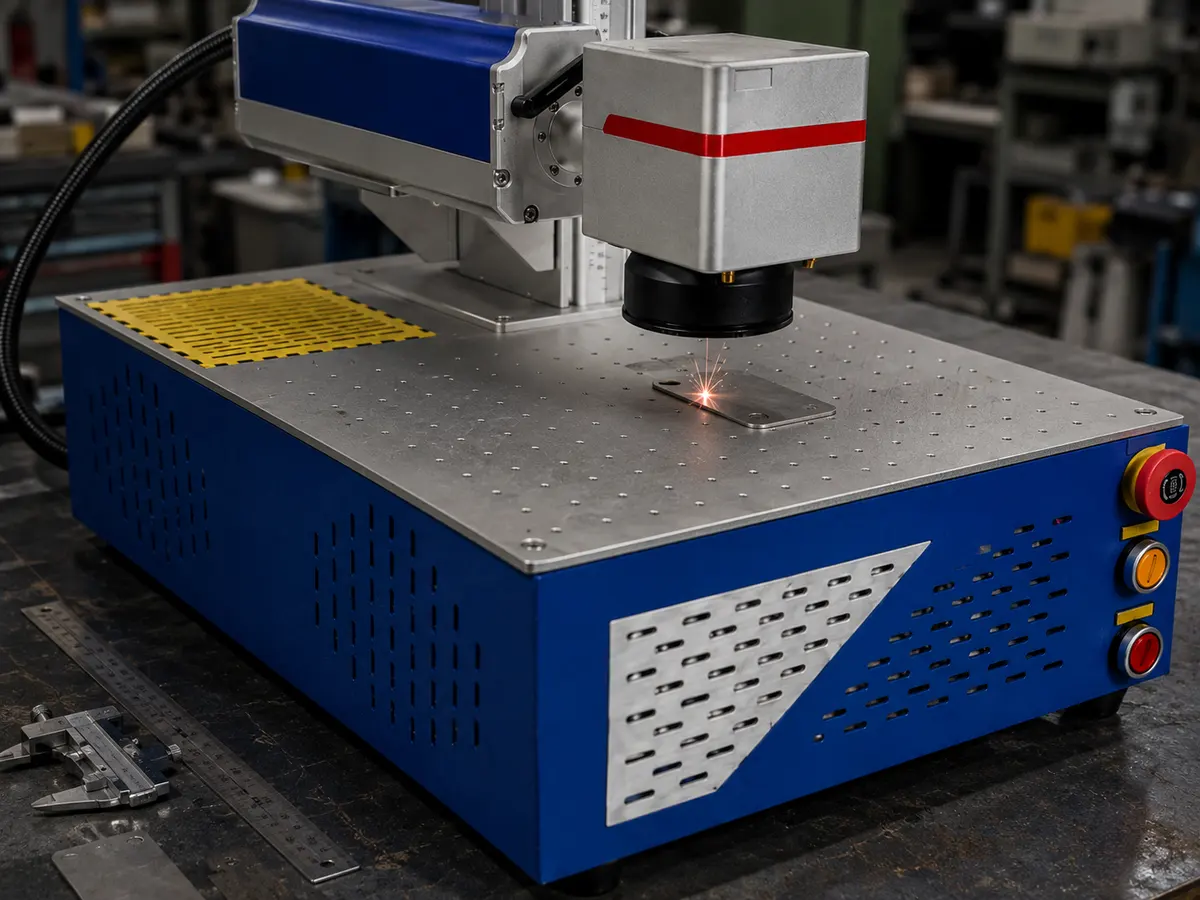 Metal nameplate processingBatch marking of precision parts
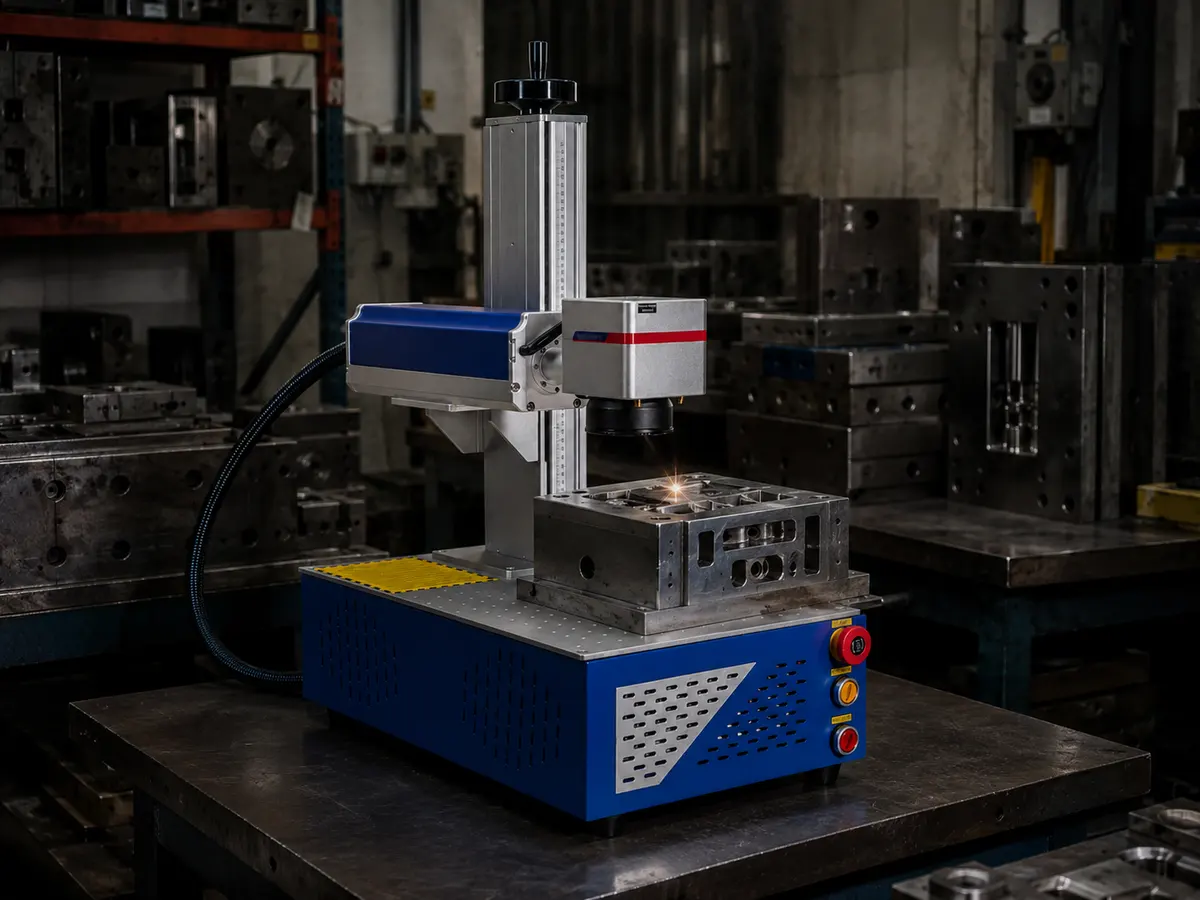 Mold workpiece engravingMarking of flange ringsMetal nameplate processing
01 /Description
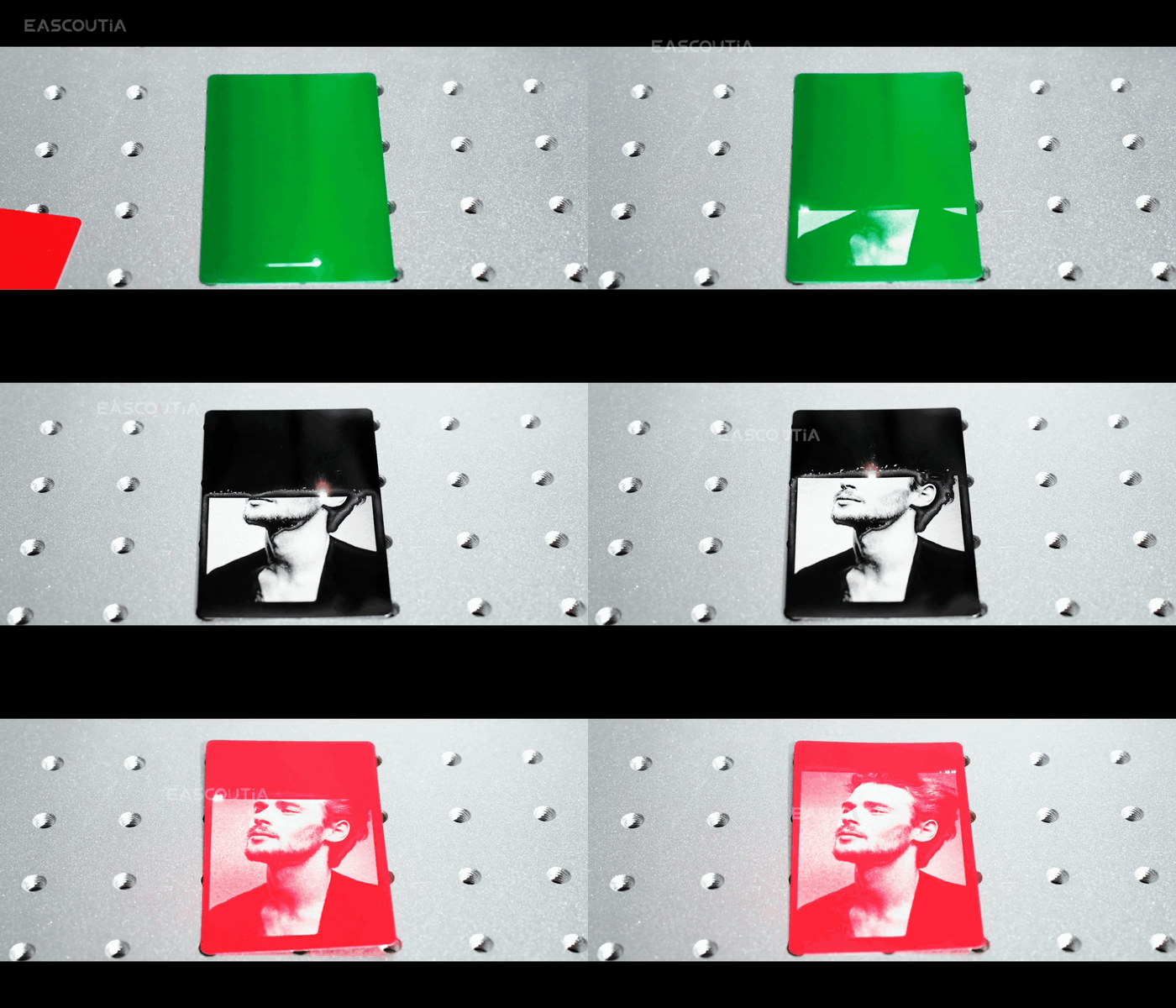
Professional application of Desktop fibre-optic 50W laser flager
Workshop Processing and Production-Line Use with Desktop fibre-optic 50W laser flager
Desktop fibre-optic 50W laser flager is suited to factories, fabrication shops, production cells and custom-processing workshops. It supports repeatable cutting, forming, marking, sealing, conveying or processing with defined materials and throughput. Before deployment, confirm material type, work size, capacity, accuracy, speed, control method, power and extraction needs.
Product Advantages
Combined with rotation, the working mechanism allows multi-directional digging and material placement, minimizing frequent machine adjustments and suiting confined construction sites.
02 / Specs & Parts
Specifications & Structural Decomposition
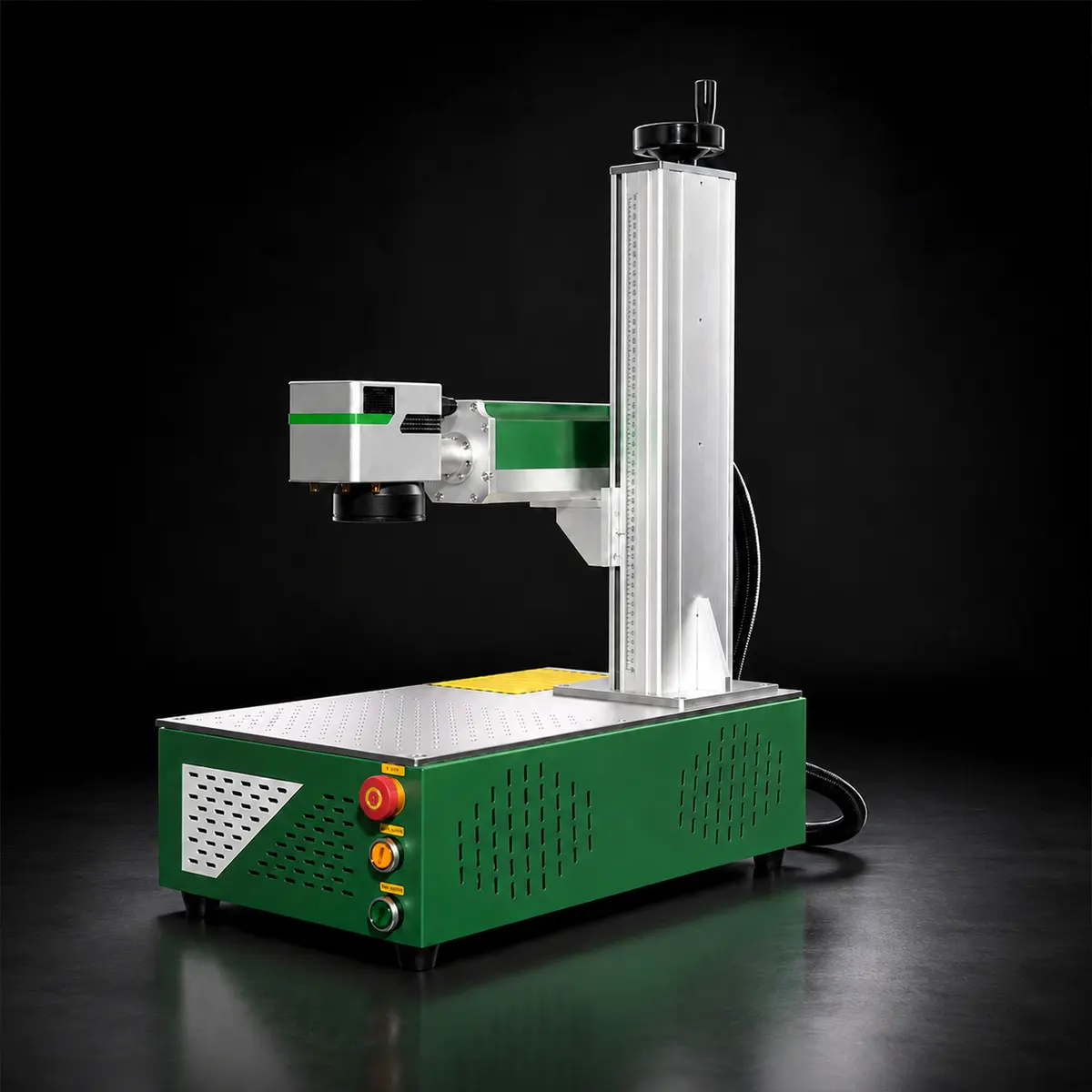
Product Structure Diagram
- Laser
- Raycus
- Carton packaging
- NO
- Working dimensions/mm
- 110x110/150x150/200x200mm(Optional)
- Is there a computer
- Optional
- Power
- 50W
- Machine appearance
- Desktop
General information
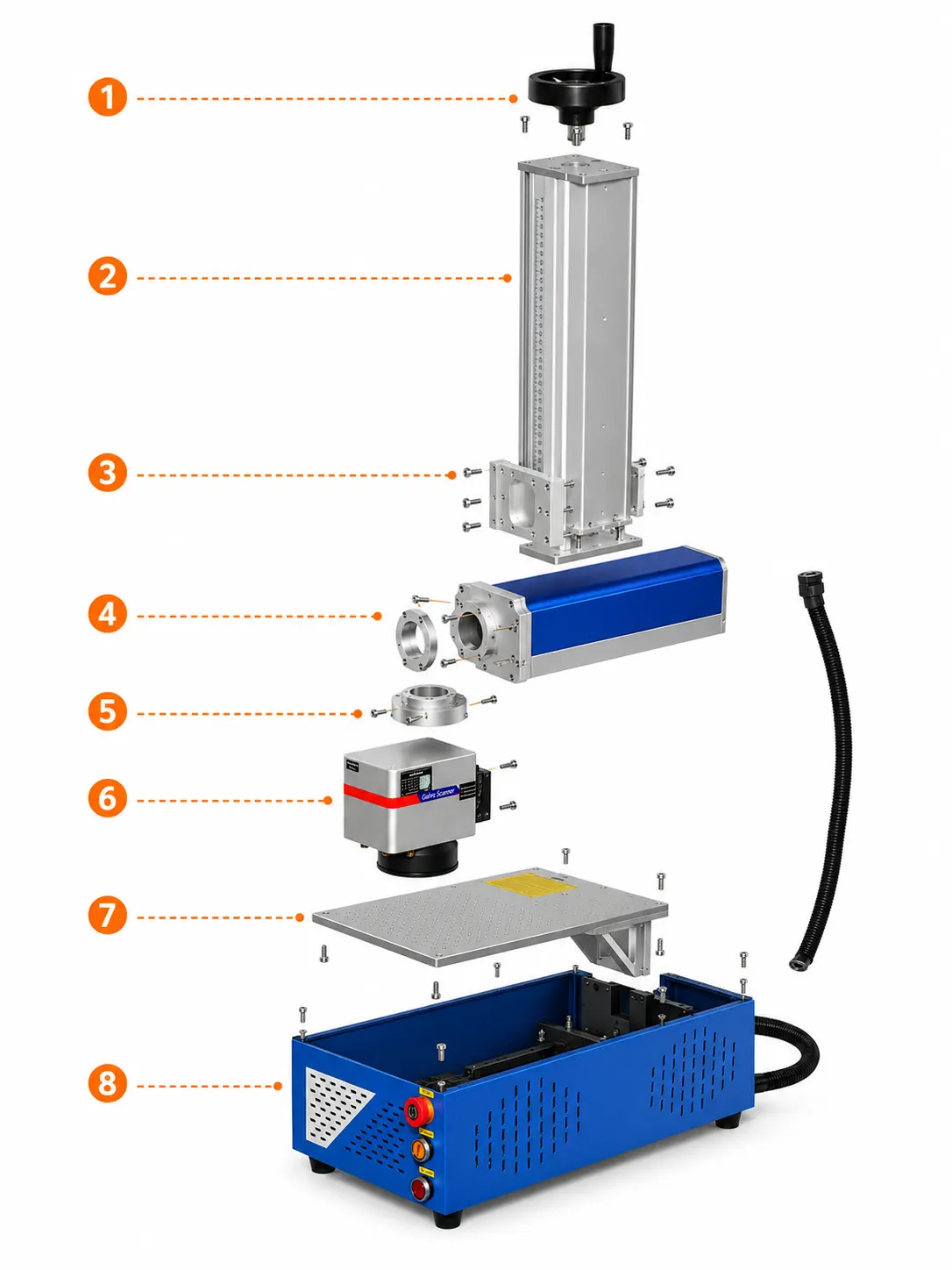
- 1. Top handwheel adjustment assembly
Located at the top of the upright, it consists of a black handwheel and an internal adjustment transmission mechanism, and is used to manually adjust the vertical height of the lateral laser assembly.
- 2. Vertical Lifting Column
The silver aluminum-alloy upright column serves as the primary support structure of the entire machine, providing vertical guidance and mounting for the laser head assembly.
- 3. Scale-guided assembly
The scale and guide assembly located on the front of the upright column are used for height positioning, reference adjustment, and repeatable setup.
- 4. Horizontal laser cabinet
A blue–silver horizontal rectangular case typically houses laser‑emission and transmission modules, serving as the primary lateral functional assembly.
- 5. Galvanometer scanning head assembly
The front silver‑colored square “Galvo Scanner” assembly, with a lens at its base, is the core actuator that physically performs laser scanning and delivers the marking output.
- 6. Cross-arm connection and mounting bracket
The intermediate mounting structure connecting the upright column to the lateral chassis comprises a slide block, a support arm, a connecting flange, and a fixing plate, and is used to support and secure the marking head assembly.
- 7. Workbench component
A metal perforated worktable positioned above the base is used to hold workpieces, facilitating fixture mounting and marking alignment.
General instructions
 Simplified explanation
03 / Specs, Parts & Accessories
Visuals & Product Inspection
Product Video
Video Showcase
DF Series Appearance
DF Series full machine appearance display, compact shape and solid & durable structure.
DF Series Appearance
Video Showcase · 00:30DF Series full machine appearance display, compact shape and solid & durable structure.
DF Series Operation
Operation Videos · 00:44DF Series equipment operation demonstration, stable running and simple & convenient operation.
Product loading into containers
Service Videos · 00:37Product loading into containers, firmly strapped and fixed, suitable for overseas ocean transportation.
Product packaging
Service Videos · 00:12Special export packaging for products, shockproof protection to reduce damage risks during ocean shipment.
Real Factory Footage
Real on-site records from our factory, offering a practical view of our production capability and delivery readiness.
0:00 / 0:00
04/ Product Review
Product Inspection
Product Review
We centrally purchase equipment, test the data and the machine, then publish the models that clear our review. You get a shorter path from "could work" to a quote your team can act on.

0:00 / 0:00
Product Inspection
Core Component Details
Frequently Asked Questions (FAQ)
1. Where is Desktop fibre-optic 50W laser flager typically used?
1. It is commonly used for factories, fabrication shops, production cells and custom-processing workshops, subject to the selected model and site conditions.
2. How do I choose the right model?
2. Match material type, work size, capacity, accuracy, speed, control method, power and extraction needs to the actual workload and operating environment.
3. What should be confirmed before ordering?
3. Confirm model, working area, power, tooling, control system and optional fixtures, then verify the response time and any special requirements.
4. How should it be installed and maintained?
4. Prepare rated utilities, safe operating clearance, ventilation or dust extraction and operator training; follow the manual for operation, inspection and routine maintenance.