


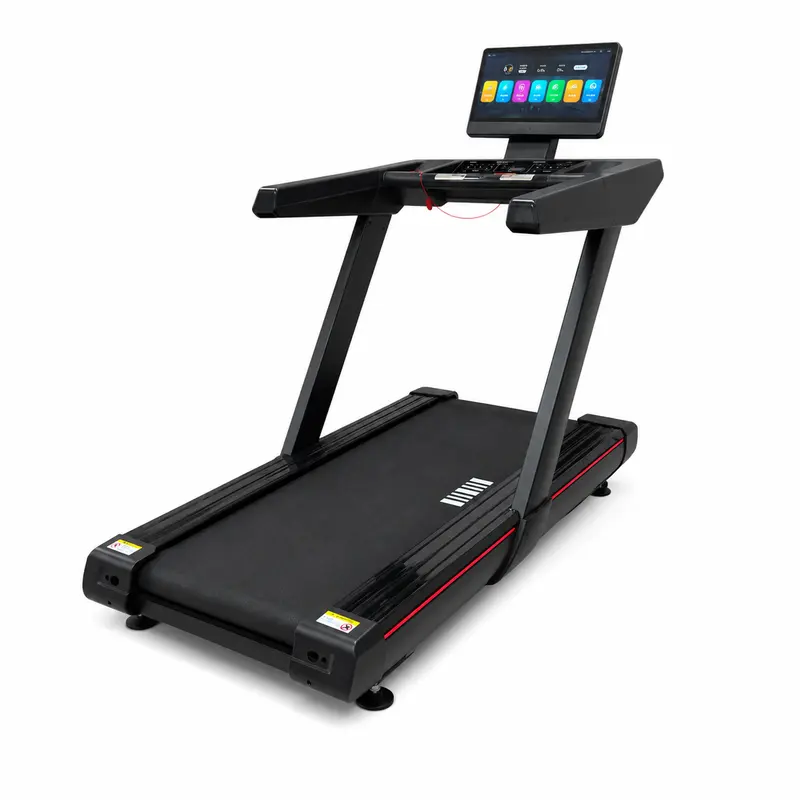
Electric Treadmill
REYK-A07Smart audio-visual interaction, wide and stable running deck — the Black Blade treadmill with screen‑mirroring functionality.
View Details→
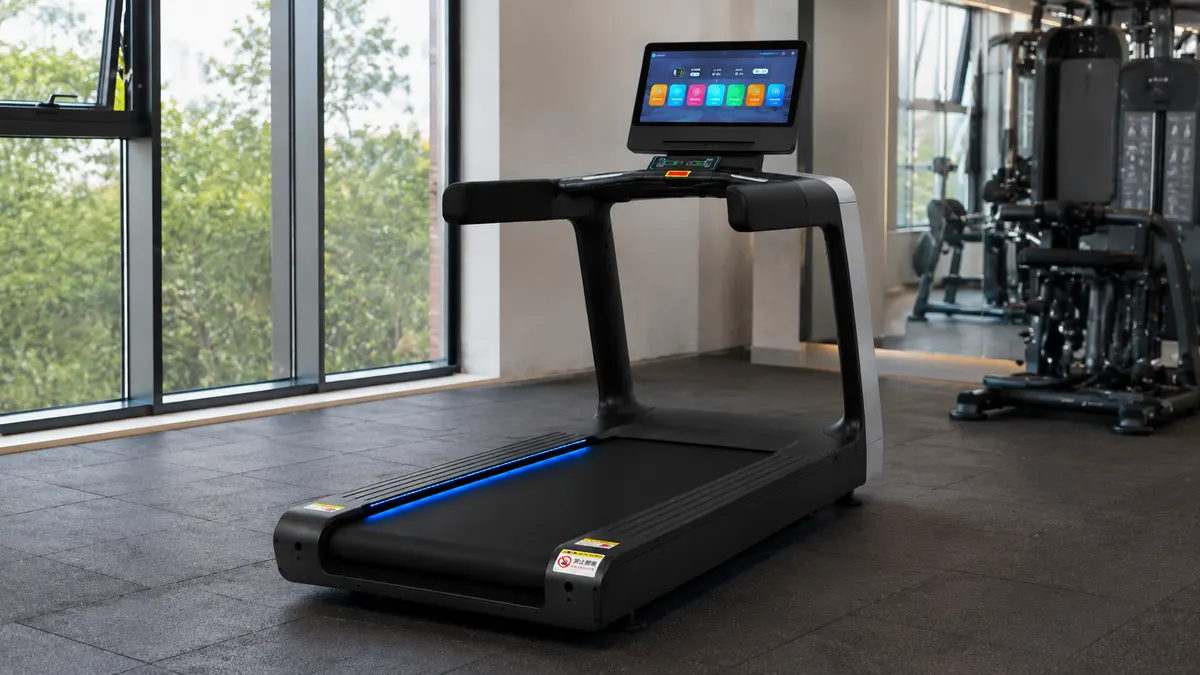 Compact Layout Keeps Console in Reach
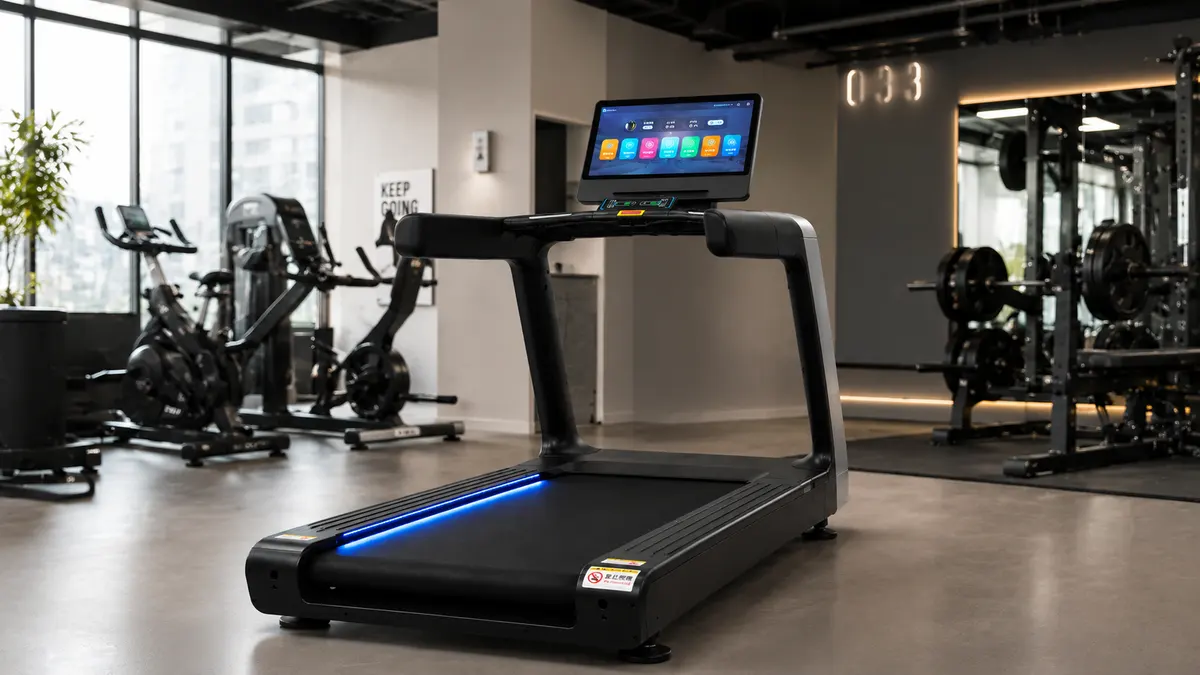 Open Floor Space Supports Easy Access
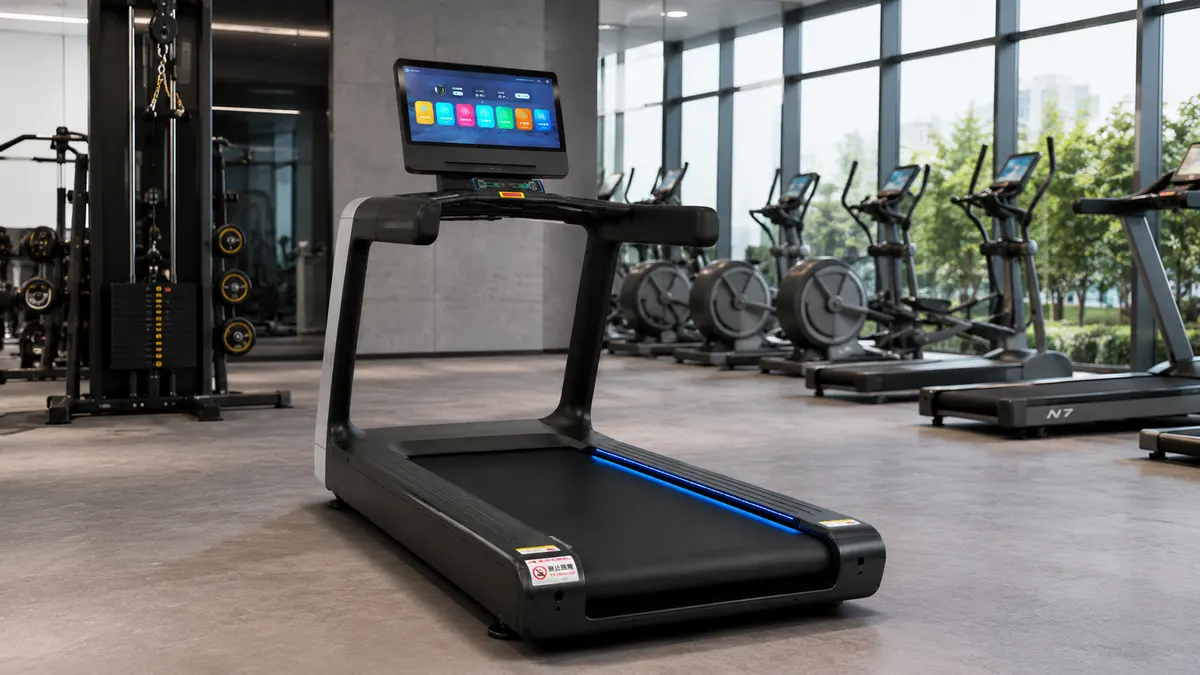 Running Area Beside Shared Equipment
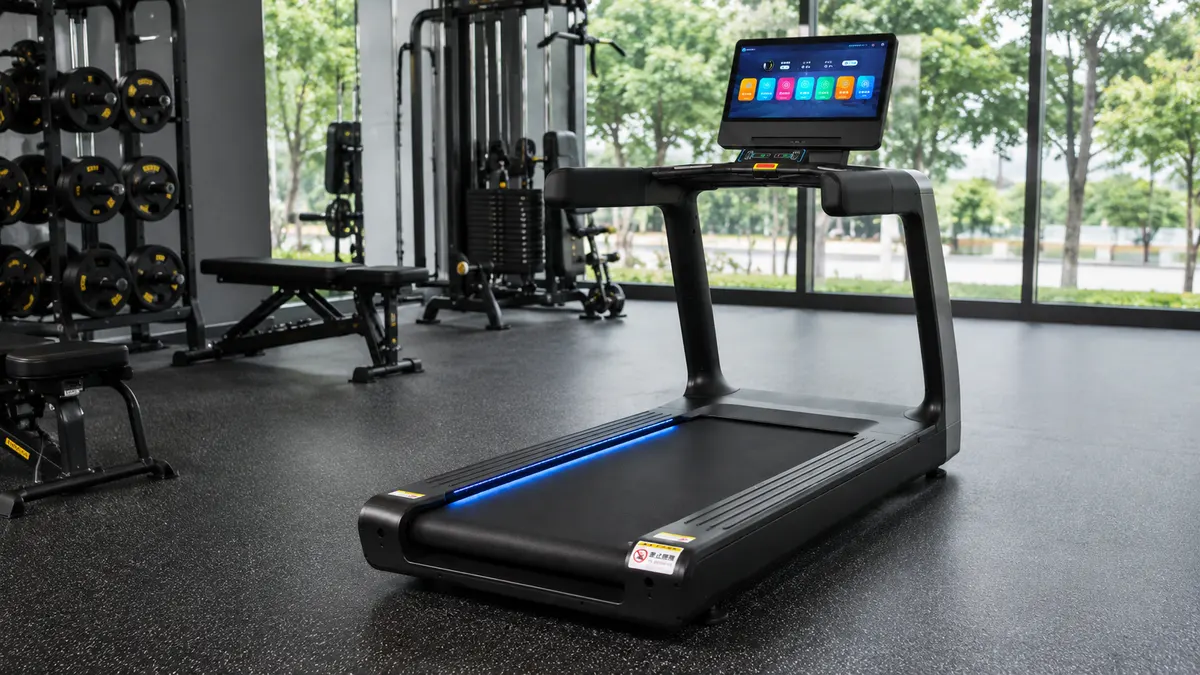 Side View Shows Full Belt LengthCompact Layout Keeps Console in ReachOpen Floor Space Supports Easy Access
01 /Description
Meetings, Training and Digital Presentation with Runner (power) liquid crystal screen
Runner (power) liquid crystal screen is suited to meeting rooms, classrooms, showrooms, content capture and connected workspaces. It supports clear information delivery, collaboration and flexible media use across business or learning environments. Before deployment, confirm screen or sensor size, resolution, interfaces, storage, connectivity and mounting method.
Combined with rotation, the working mechanism allows multi-directional digging and material placement, minimizing frequent machine adjustments and suiting confined construction sites.
02 / Specs & Parts


Mounted above the console, it presents workout data, mode selection and adjustment controls.
Located at the console center, it provides start, stop and speed controls for direct access.
The widened handrails provide support on both sides to help users maintain balance during use.
High-strength bolts secure the handrail and column joint to keep the upper structure connected.
The two thickened columns carry the control area and reinforce the upper machine structure.
This frame links the columns and belt system, carrying the main load and supporting the deck.
Widened anti-slip side steps support entry, exit and temporary standing beside the belt.
03 / Specs, Parts & Accessories
Video Showcase
The video presents the complete machine appearance, structural layout, and visible details of its key components.
Video Showcase · 00:21The video presents the complete machine appearance, structural layout, and visible details of its key components.
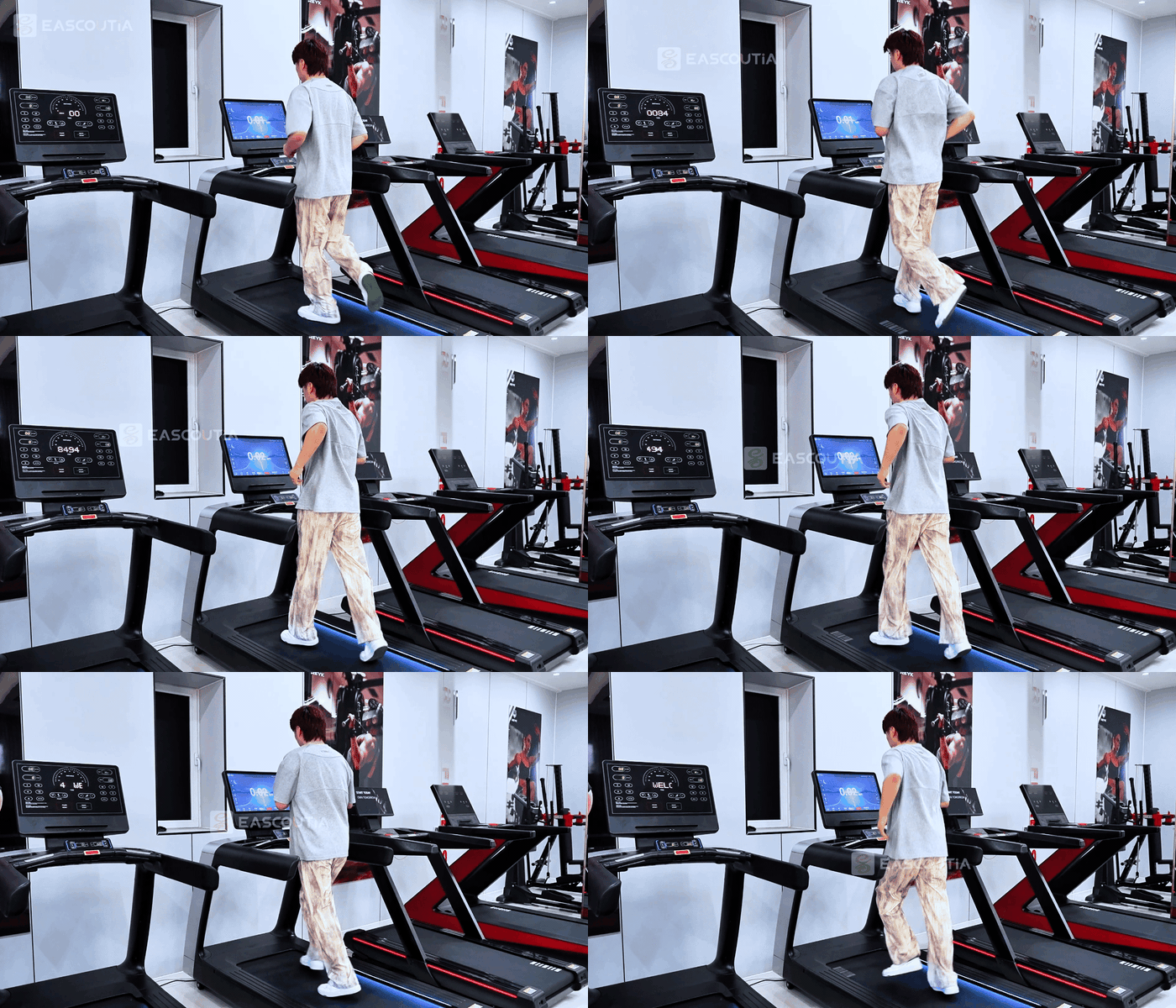
Operation Videos · 00:59The video shows touchscreen adjustments, screen-casting connection, and the treadmill operating during walking and running.
Service Videos · 00:16fitness machines on wooden pallets, wrapped in film, lined up in the workshop, then moved by forklift and truck — packaging and dispatch handled with care.
Service Videos · 00:25yard logistics in action: forklifts shuttle between container and cargo area, moving from outdoor loading to indoor storage — smooth and efficient dispatch.
Real on-site records from our factory, offering a practical view of our production capability and delivery readiness.
04/ Product Review
Product Review
We centrally purchase equipment, test the data and the machine, then publish the models that clear our review. You get a shorter path from "could work" to a quote your team can act on.
1. It is commonly used for meeting rooms, classrooms, showrooms, content capture and connected workspaces, subject to the selected model and site conditions.
2. Match screen or sensor size, resolution, interfaces, storage, connectivity and mounting method to the actual workload and operating environment.
3. Confirm model, color, interface requirements and included accessories, then verify the response time and any special requirements.
4. Prepare stable mounting, compatible power, network access and adequate viewing or recording distance; follow the manual for operation, inspection and routine maintenance.
 Simplified explanation
